Japan has some of the best internet coverage I’ve ever experienced traveling abroad. If you’re in major cities, it can honestly feel like Wi-Fi is everywhere — train stations, cafés, convenience stores, shopping malls. In urban areas, getting online is rarely an issue. However, once you leave the cities, the rules change quickly.
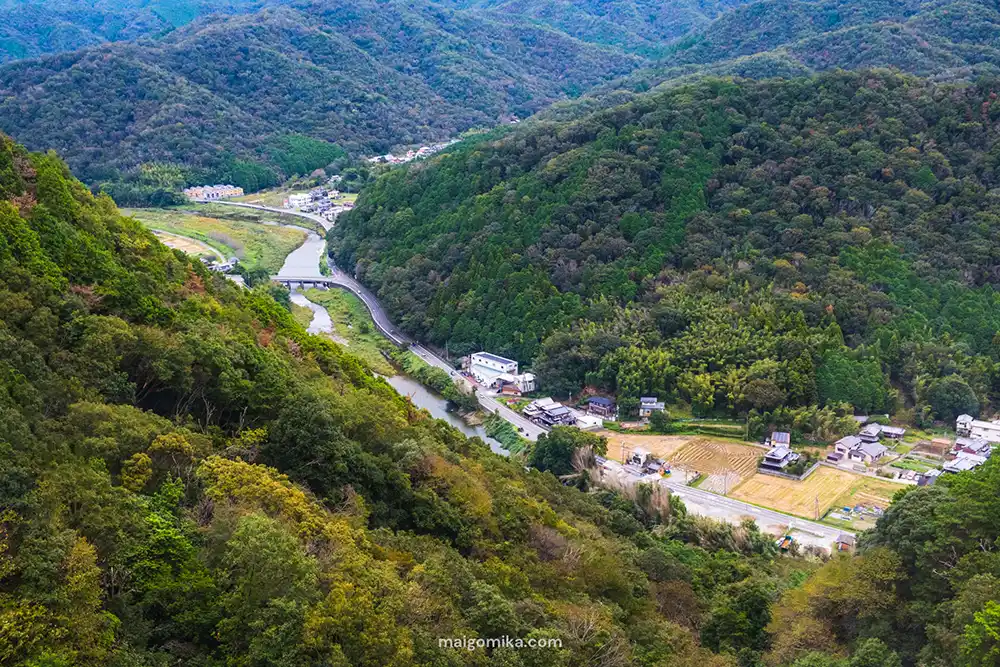
Once you head into narrow valleys, dense forests, and isolated villages, your mobile signals can be blocked entirely. (I’ve lost count of the times I restarted my GPS in the middle of the mountains, only to stare back at a blank screen spinning endlessly… At that point, I just keep driving and hope I’ll hit a break in the terrain where my map can finally load again.)
So if you’re trying to decide between an eSIM or pocket Wi-Fi — two of the most popular options for travelers in Japan — here’s my honest breakdown based on what actually matters when you’re deep in the Japanese countryside.
- What’s Better for Rural Japan: eSIM or Pocket Wi-Fi?
- Why the Internet in Rural Japan Is Different
- What is an eSIM?
- What Is a Pocket Wi-Fi?
- eSIM vs Pocket Wi-Fi in Rural Japan (A Quick Comparison)
- When Does an eSIM Make the Most Sense?
- When Does a Pocket Wi-Fi Make the Most Sense?
- What Neither Option Fixes
- What I Personally Use (and Why)
- My Final Thoughts: Choose Flexibility Over Perfection
What’s Better for Rural Japan: eSIM or Pocket Wi-Fi?
For most solo travelers, an eSIM is cheaper and more convenient for solo travelers. A pocket Wi-Fi is better for groups, laptops, or heavy data use. However, neither option guarantees Wi-Fi signal once you get to truly rural areas of Japan. In this case, coverage depends more on geography than on which device you choose.
Why the Internet in Rural Japan Is Different
Rural Japan isn’t worse for internet — there’s just tends to be less of it, and it’s less predictable.
Once you head into the countryside, an internet signal can disappear suddenly and without warning — especially in:
- Narrow mountain valleys
- Forested roads
- Coastal cliffs
- Areas far from major highways
Japan is an extremely mountainous country, and no SIM card, pocket Wi-Fi, or mobile carrier can fully overcome that geography.
What is an eSIM?
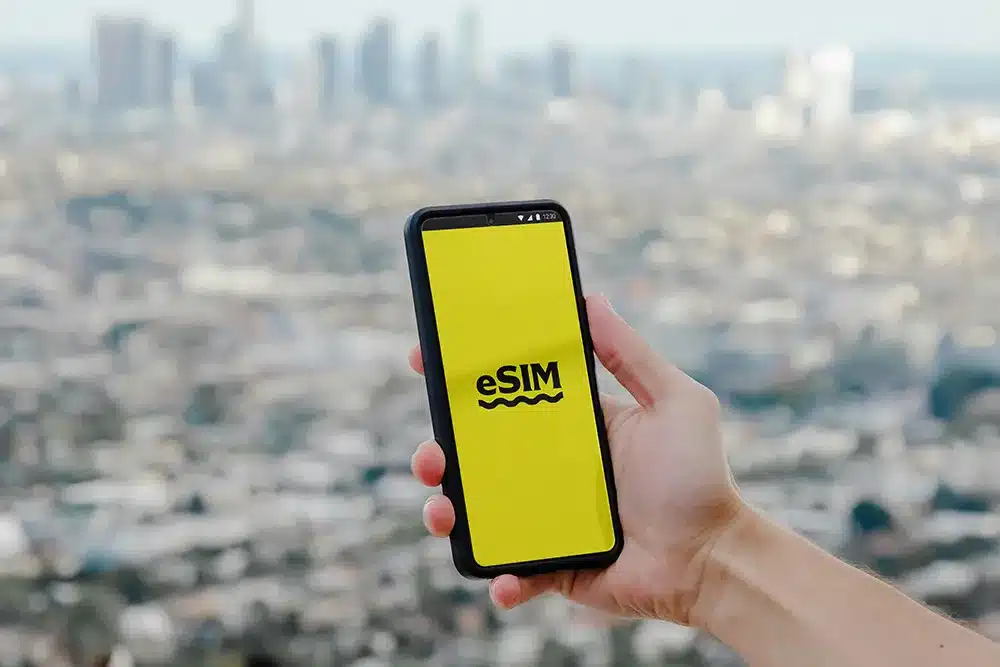
An eSIM is a digital SIM card that you download directly onto your phone. Instead of inserting a physical SIM card, your phone connects to a local mobile network using software — no tiny chip, no SIM tray, no swapping cards.
If you’ve ever popped open the side of your phone with a little metal pin to insert a SIM card, that’s the old-school SIM card. It’s preloaded with your home data plan and provides internet access wherever the carrier supports it. (I have flashbacks to my first trip to Japan in 2016 — pre-eSIMs — and sprinting to the post office where it was delivered just before closing. Exhausted and jet-lagged, we stood there, shaking, trying to pry open our phones and install a tiny SIM card without losing it. Not exactly the calm “welcome to Japan” moment you imagine.)
With an eSIM, everything happens digitally. You install it through an app or by scanning a QR code, then switch your phone to the Japan eSIM network when you arrive.
Why eSIMs Have Become So Popular
eSIMs have surged in popularity in recent years, and the reasons are pretty clear:
- No store visits or physical delivery
- Set up before you arrive in Japan
- Usually cheaper than pocket Wi-Fi for solo travelers
- Apps let you track data usage and top up easily
- Some eSIM plans have encryption by default, which virtually hides your connection behind a protective mask
Compared to a physical SIM card, downloading an eSIM at home, boarding your flight, and turning it on when you land feels like a massive upgrade.
The Downsides of an eSIM
An eSIM is incredibly convenient — especially for solo travelers — but it does come with a few trade-offs.
Some of the trade-offs include:
- Requires manual setup (installing a SIM profile on your phone)
- You need to switch to the correct local network after arrival
- Data roaming on your home carrier must be turned off to avoid accidental charges
- Your phone must be unlocked (carrier-locked phones won’t work with eSIMs)
If your phone is still locked to your home carrier (common if it’s under contract), an eSIM won’t work. This is something worth checking before you leave home — not at the airport. In this case, a pocket Wi-Fi is your best bet.
What Is a Pocket Wi-Fi?
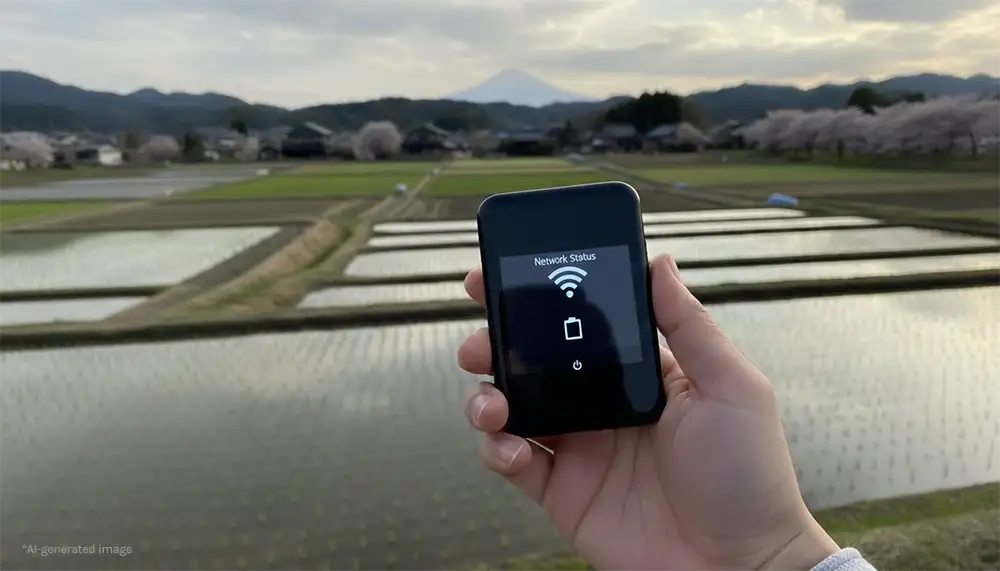
A pocket Wi-Fi is a small, portable internet router you carry with you. It creates a personal Wi-Fi network that multiple devices can connect to at the same time — phones, laptops, tablets, cameras, you name it.
Pocket Wi-Fi rentals usually include:
- The router itself
- A charging cable and external battery
- A prepaid return envelope, so you can drop it in a mailbox when you’re done
Why People Choose Pocket Wi-Fi
- Can connect phones, laptops, and tablets
- Shareable between multiple travelers
- Usually comes with higher data limits
For many travelers, pocket Wi-Fi feels more straightforward than an eSIM.
You simply turn it on, connect using the provided Wi-Fi name and password, and you’re online. There’s no need to change SIM settings, no need to switch mobile profiles (as on an eSIM), and there’s no risk of using your home carrier’s data plan. (That said, it’s still smart to turn off data roaming on your home carrier, just in case). That peace of mind can be especially nice if you’re not confident fiddling with phone settings.
The Downsides of Pocket Wi-Fi
Pocket Wi-Fi isn’t perfect — especially if you’re traveling solo. Some of the trade-offs include:
- More expensive than eSIMs, especially for one person
- Needs to be charged daily
- One more device to carry, charge, and keep track of
- Requires pickup on arrival (airport counter, hotel delivery, or postal locker)
- Must be returned before you leave Japan
- Most pocket Wi-Fi devices don’t include encryption by default
After a long international flight — especially a 12–15 hour one — adding an extra pickup step isn’t always the most welcome task when all you want is to get to your accommodation and collapse onto your hotel bed.
It’s also another item in your bag, along with its charger and that prepaid return envelope you need to remember not to lose during your trip.
If privacy matters to you, pairing it with a VPN would also be a good idea.
It’s not complicated to use — just a bit more to manage.
eSIM vs Pocket Wi-Fi in Rural Japan (A Quick Comparison)
So, to quickly recap, here’s a simple comparison between an eSIM and a pocket Wi-Fi.
| eSIM | Pocket Wi-Fi |
|---|---|
| Best for: solo travelers | Best for: couples, groups, laptop users |
| Cost: lower | Cost: higher |
| Setup: requires some installation, but doesn’t add weight to your trip | Setup: easy, but adds weight to your trip |
| Battery impact: uses your phone’s battery only | Battery impact: separate device to charge |
Both work well in towns and along main roads. Both can lose signal in the mountains.
When Does an eSIM Make the Most Sense?
For most people, choosing an eSIM really comes down to how you travel.
I use an eSIM when I travel outside Japan, such as when I visit Canada. It’s more than enough for maps, messaging, and everyday use, and easy to extend if my plans change mid-trip or if I run low on data (which happens to me more often than I’d like to admit).
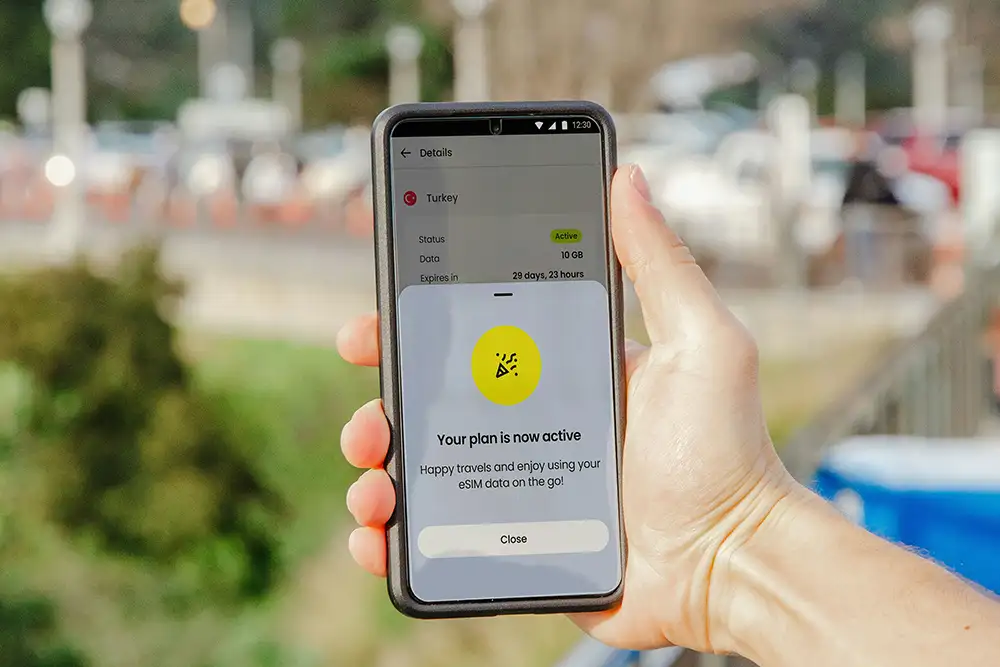
An eSIM is usually the better choice if you:
- Are traveling solo (or want to separate from your travel group)
- Mainly need maps, messaging, and light browsing
- Want the cheapest setup
- Have an unlocked phone
- Prefer the ability to top up or extend your data instantly
If that sounds like your travel style, an eSIM is hard to beat — especially for short trips or flexible itineraries.
When Does a Pocket Wi-Fi Make the Most Sense?
I still rent pocket Wi-Fi even while living in Japan — especially for trips where I know I’ll be working on the road. If I need to use my laptop, access work files, or upload large amounts of content, such as video or photo folders, pocket Wi-Fi is far more reliable than relying on mobile data alone.
Even though pocket Wi-Fi is often marketed to tourists, it’s easy to rent locally too. You can have it delivered to your accommodation or to a nearby convenience store for pickup, making it surprisingly flexible.
A Pocket Wi-Fi is usually the better choice if you:
- Are traveling as a couple or group
- Need to connect a laptop
- Upload photos or videos regularly
- Have a carrier-locked phone
- Plan to use a lot of data throughout the day
Or in my case, want:
- A separate, higher data usage connection so I don’t overuse or extend my local phone data unnecessarily
For heavier use or multi-device setups, pocket Wi-Fi is still hard to beat — even if it means carrying one extra device.
What Neither Option Fixes
Even though I’ve used both eSIM and pocket Wi-Fi extensively, neither option is a complete fix in rural Japan.
If you take something from what I’ve learned, it is to set your route while you still have a signal. Most map apps will continue guiding you even when coverage drops as long as you don’t cancel or refresh the route.
If you exit the app to look something up and try to reload directions while you’re offline, there’s a good chance you won’t get your route back at all.
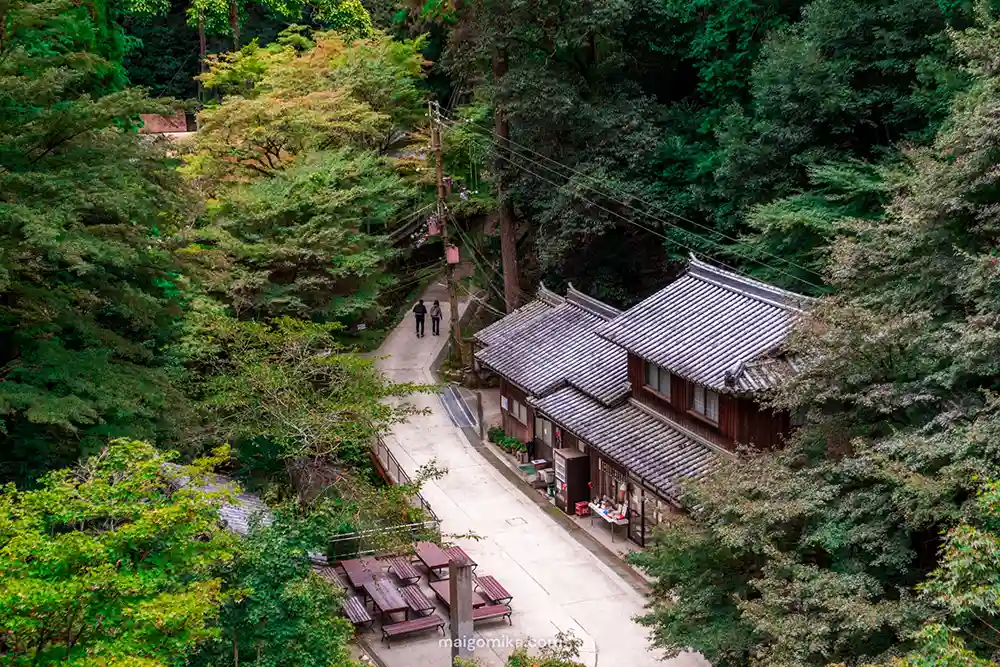
Before heading into rural or mountainous areas, I recommend:
- Setting your route before leaving signal
- Taking screenshots of your maps
- Downloading offline maps in advance (if available)
That way, even if you lose connection completely, you’ll still have a visual reference — and something you can show a local if you need help finding your way.
Before You Go Too Rural…
If you’re planning to explore Japan’s countryside, it helps to first decide how rural you actually want your trip to be.
The kind of internet access, transport, and preparation you’ll need changes dramatically depending on whether you’re taking an easy countryside day trip… or driving into mountain villages with no signal at all.
Read my Planning a Trip to Rural Japan? First, Choose Your Inaka “Level” That Fits Your Travel Style. I break down three countryside “levels,” explain who each one is best for, and suggest real places across Japan so you can plan realistically — not romantically.
What I Personally Use (and Why)
After trying both options in different situations, my choice usually comes down to how I’m traveling.
I only recommend services I’ve actually used myself, and I’ve linked my current go-to options below for anyone who wants to use the same setup.
The eSIM I Use
For eSIMs, I use Saily. It’s been simple to install and easy to top up directly from the app if I run low on data. Saily also has built-in security features within its app, which can add an extra layer of protection compared to using open or unsecured networks. It’s not something most travelers think about, but it’s a nice bonus if privacy matters to you.
You can get 10% off your first order with code MAIGOMIKA10.
The Pocket Wi-Fi Options I Use
For pocket Wi-Fi, I’ve personally used Sakura Mobile and Japan Wireless, and both have been consistently reliable.
Their service is very similar, though Sakura Mobile tends to work well for longer stays thanks to its long-term plans, while pricing between the two can vary by date. At the time of writing, Sakura Mobile had a slight price advantage — but that can change, so it’s worth checking both.
Most recently, I used Japan Wireless on a trip to Naoshima. When I realized I needed to extend my rental by a couple of days, I emailed customer support, and they replied and sorted it the same day. That kind of friction-free support makes a big difference when you’re already on the move.
If you’re planning to explore beyond the cities, I’ve put together a more detailed resource on what traveling in rural Japan actually looks like—from transportation and connectivity to food, lodging, and etiquette.
You can read my full guide here: The Ultimate Guide to Rural Japan Travel (From Someone Who Lives Here)
My Final Thoughts: Choose Flexibility Over Perfection
At the end of the day, an eSIM and pocket Wi-Fi are two solid options for staying connected while traveling in Japan — and neither of them is perfect.
But that’s okay.
Prepare for dead zones, especially in rural and mountainous areas; set things up before you lose signal, and treat connectivity as a helpful tool—not something that has to work flawlessly every minute of the day.
And honestly? Some of my favorite moments in Japan have happened when I turned off my phone. When there was nothing to refresh, nowhere to scroll, and no map loading — just the countryside, the people, and the quiet rhythm of life moving around me to enjoy.
Use the internet to support your trip, but don’t let it get in the way of your perfect countryside trip in Japan.
Happy travels, everyone. 🌿
Planning Your Countryside Trip?
If you’re planning on a rural Japan trip, these guides will help you prepare realistically: